
How to Get Your Missionary's Photos Automatically Instead of Through a Link
Ask your missionary to attach photos directly to their weekly email so every photo is captured with no extra steps.

Ask your missionary to attach their photos directly to each weekly email instead of, or in addition to, sharing a Google Photos link. Attached photos are captured automatically the moment the email arrives, with no extra steps for you or them.
Before you start
This works best if you set the expectation early, ideally before your missionary gets into the habit of sharing links instead of attaching photos. If they have already been sending links, it is not too late to switch. It just may take a reminder or two before the new habit sticks.
Steps
Message your missionary and ask them to attach photos directly to each weekly email from now on, instead of just sharing a Google Photos link.
If they are emailing from a phone, remind them they can select several photos at once and attach them all to the same email. They do not need to send a separate email for each photo.
Let them know they are not limited to just a couple of photos. They can attach as many as they want preserved, since you are the one who will choose later which two appear in print.
If your missionary has already been sharing links out of habit, ask again for a few weeks in a row until attaching directly becomes their default.
What happens next
Once your missionary starts attaching photos directly, every one of them is captured automatically as part of that week's email, the same way the text of the email is. There is nothing further for you to do. No links to open, no downloads, no separate uploads.
If it does not work
Your missionary keeps sharing a link out of habit. That's okay. It happens. See How to Add Photos from a Google Photos Link to Your Missionary's Book to add those photos manually for that week, and try the reminder again for future emails.
Questions?
Contact us at customerservice@mymissionarybook.com or through our contact form.
Related articles
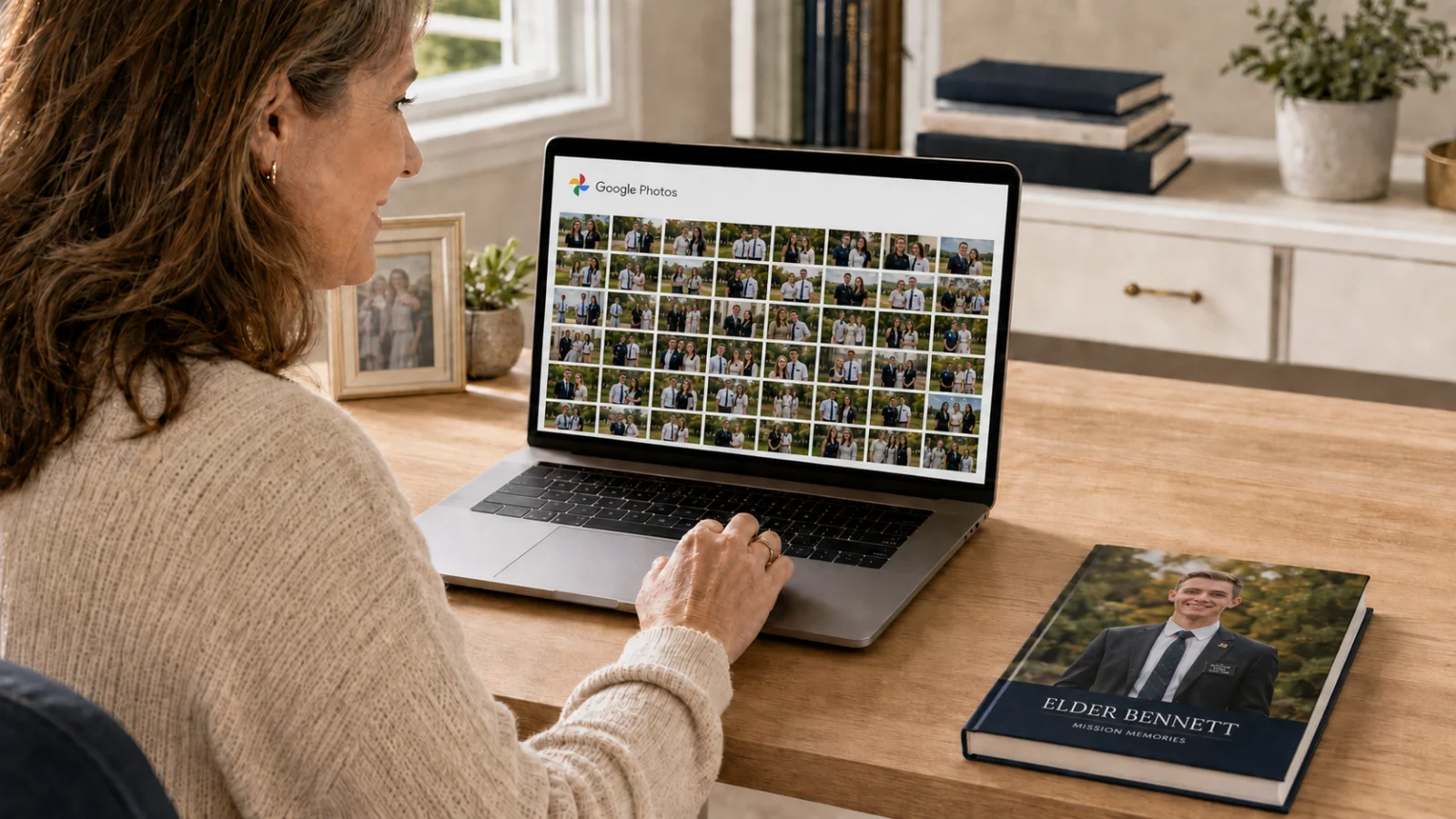
How to Add Photos from a Google Photos Link to Your Missionary's Book
Download photos your missionary shared through a Google Photos link, then upload them to the right chapter in your book.
3 min read
I Missed the Deadline and My Missionary's Email Is Gone. Can I Still Make a Book?
Even if your missionary's email account is already gone, you can still build a meaningful keepsake book from what others saved.
2 min readStill need help?
Can't find what you're looking for? Our team is happy to help — we usually reply within one business day.
Contact support